|
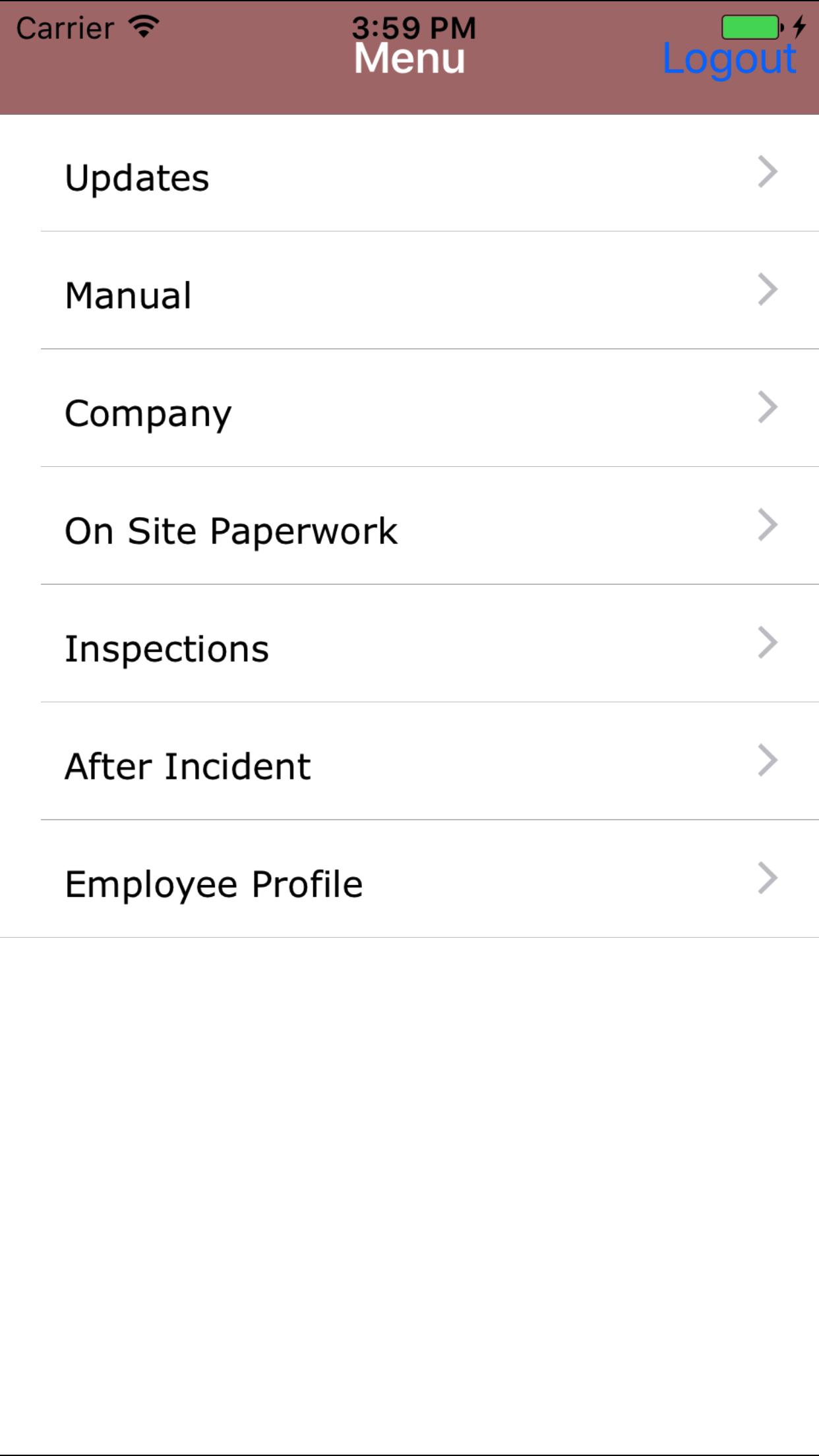
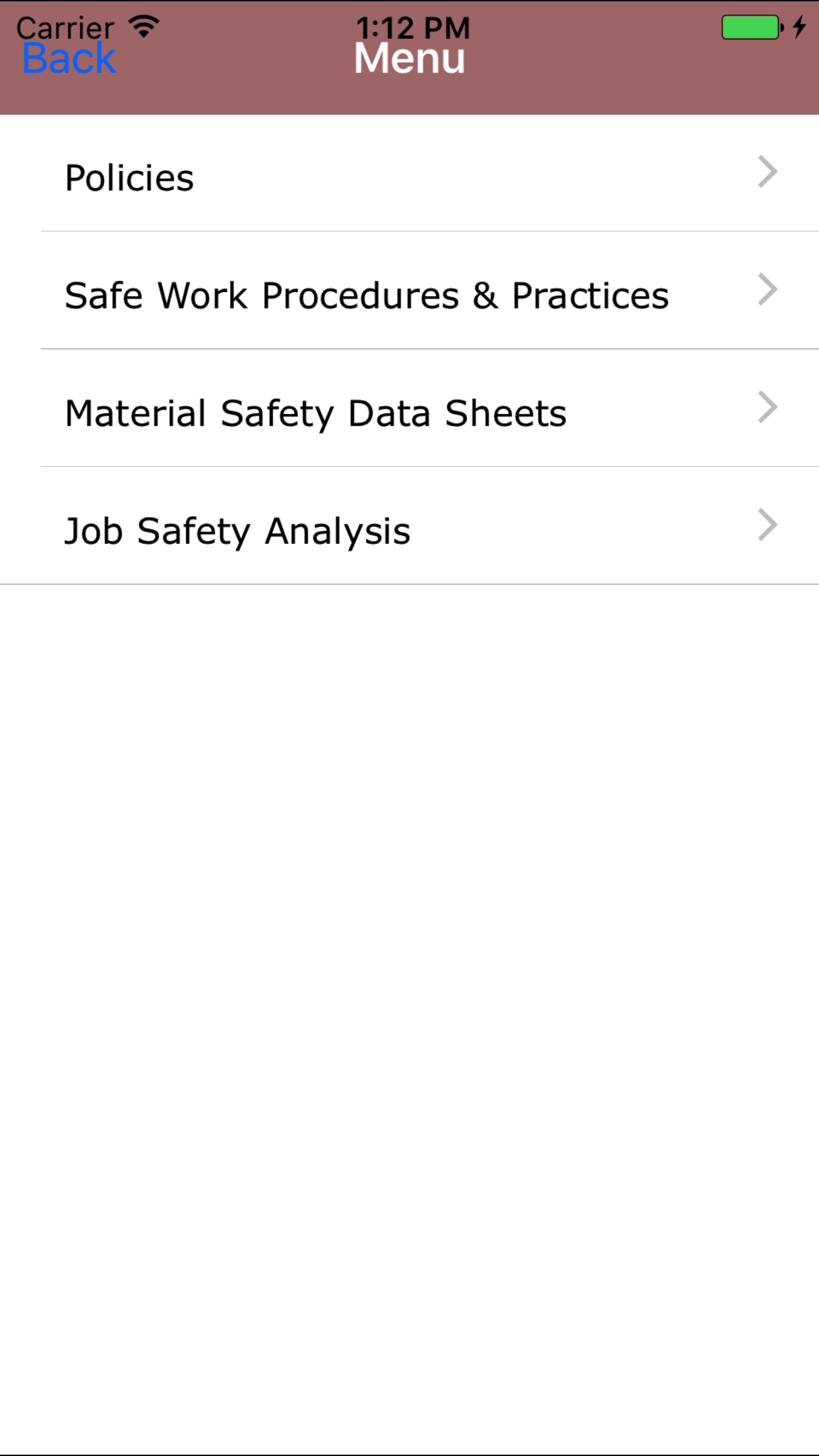
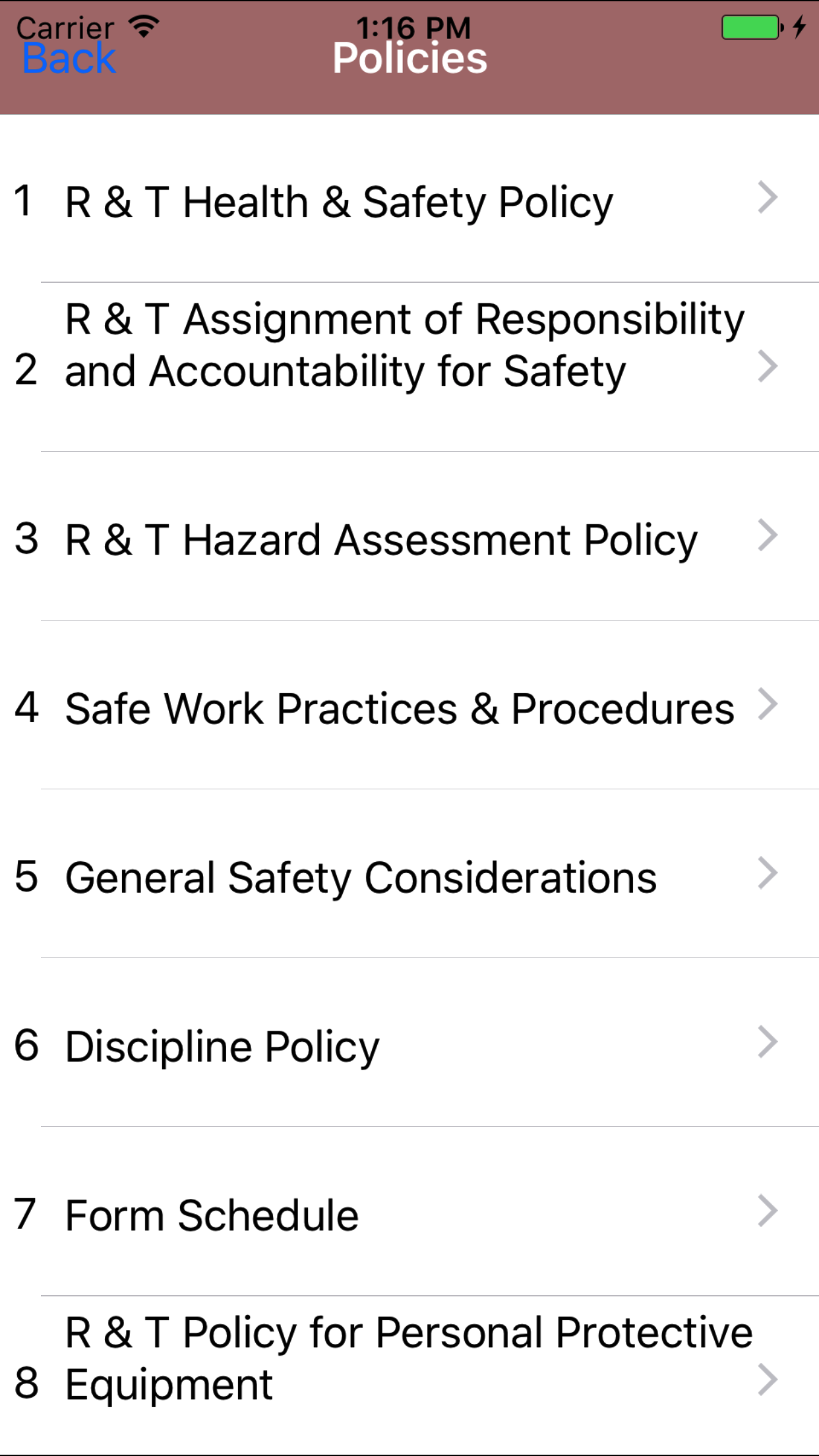
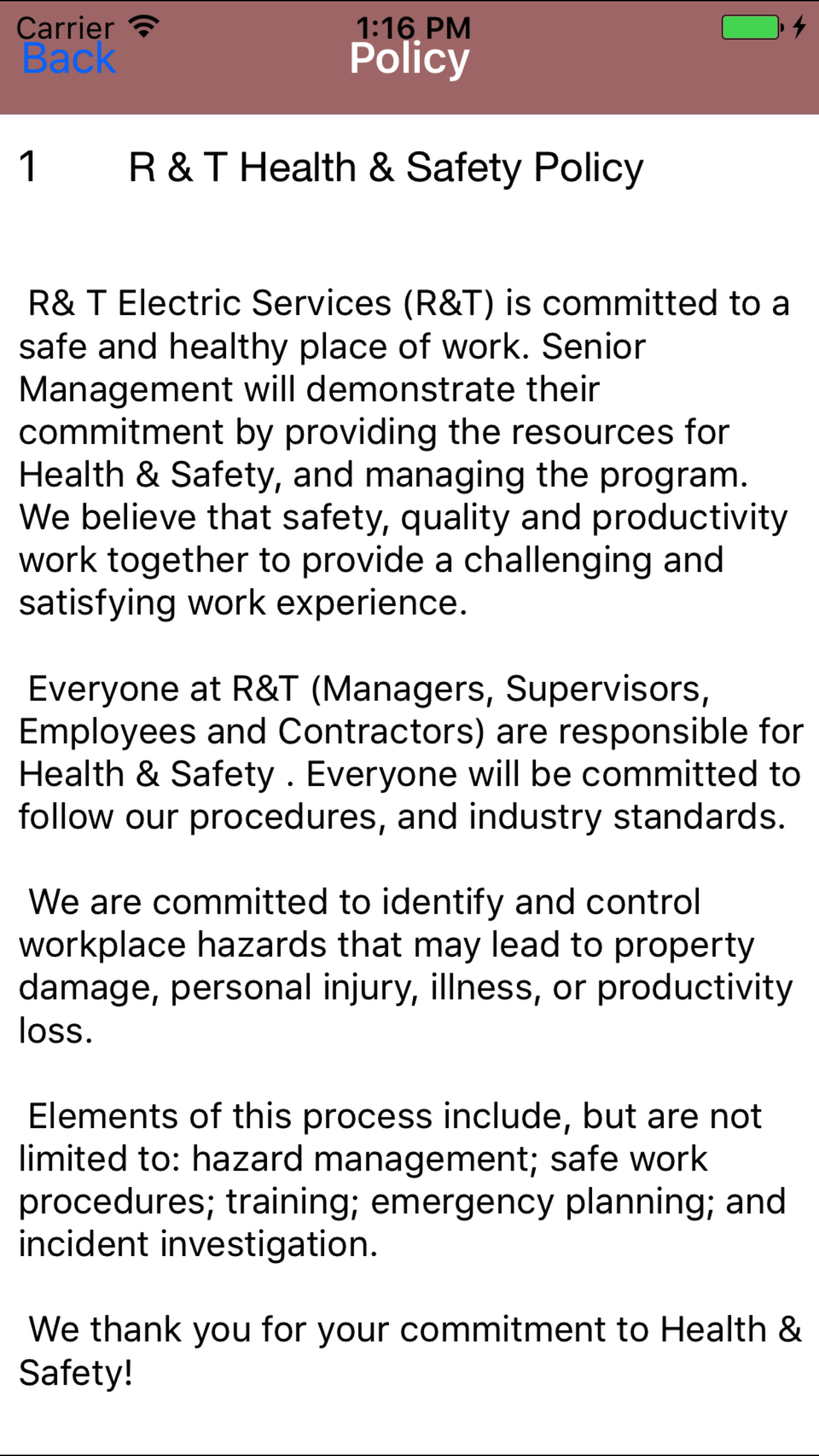
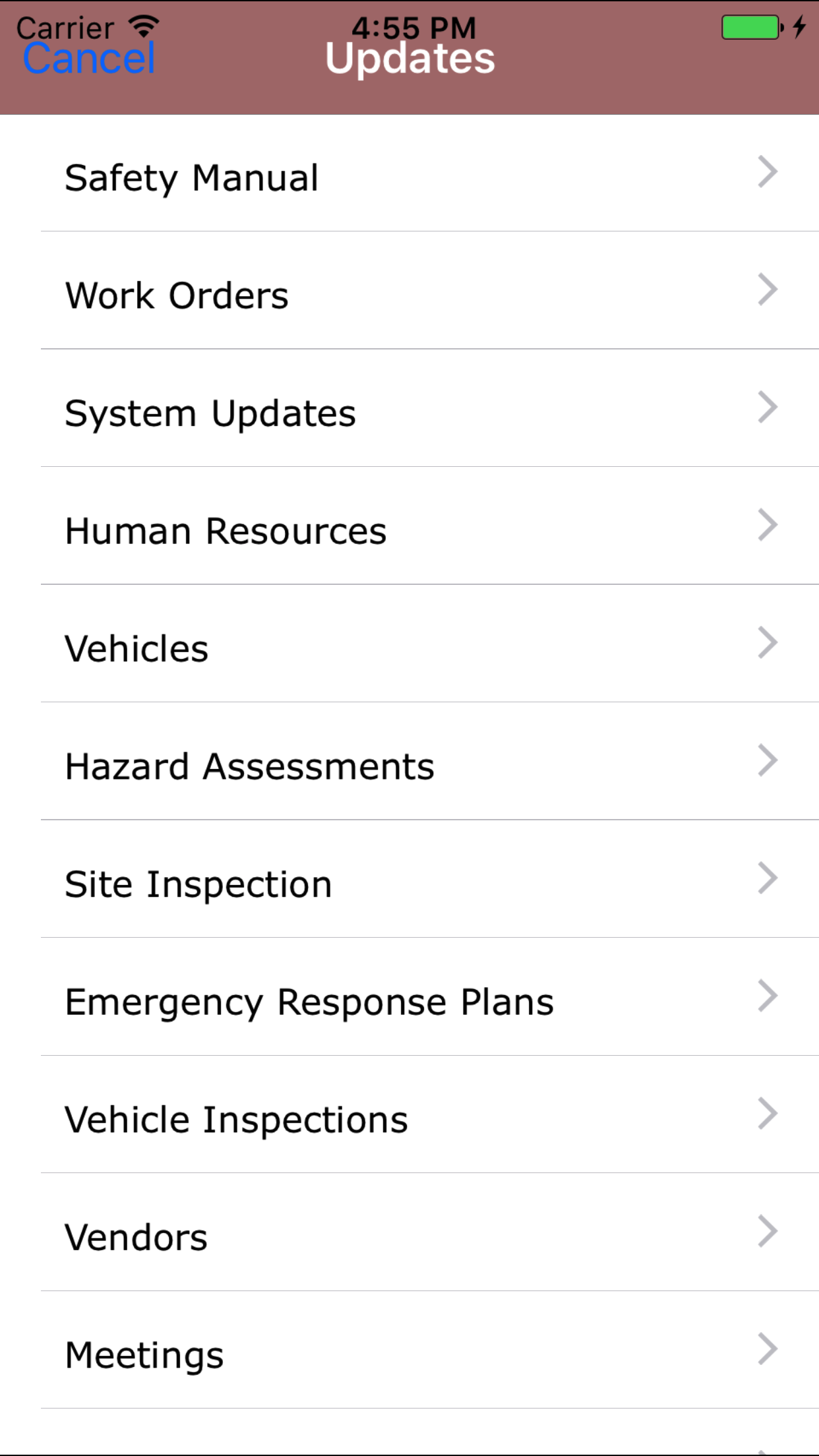
The safety policy section in the IPhone application allows companies to give field staff access to the safety policies of their safety program.
Every companies safety program will be built as a set of policies that spell out a companies safety program. R & T Electric Pro allows companies to add or edit policies and as many formatted paragraphs
as required. These policies can be viewed and through the R & T Electric Pro IPhone Application.
One of the most important questions of any safety audits is always, do field staff have access to the safety manual on the job site? If your safety
program is managed through R & T Electric Pro the answer is always Yes, because every field staff will have the safety manual in Smartphone application.
Configuring how often Manual Reviews are to Occur
How often manual reviews must occur is a function of your companies policy. To configure Safety Net for how often manual reviews for safety policies
should occur can be configured in the company safety settings.
Management, Office Staff and Safety Officers can edit how often manual reviews should occur in the Company section when they edit the Company Safety settings. For more information about configuring your
company safety settings in this manual click here to view the company section.
Configuring how often Approval Reviews are to Occur
How often manual approvals must occur is a function of your companies policy. To configure Safety Net for how often manual approvals for safety policies
should occur can be configured in the company safety settings.
Management, Office Staff and Safety Officers can edit how often manual approvals should occur in the Company section when they edit the Company Safety settings. For more information about configuring your
company safety settings in this manual click here to view the company section.
|