|
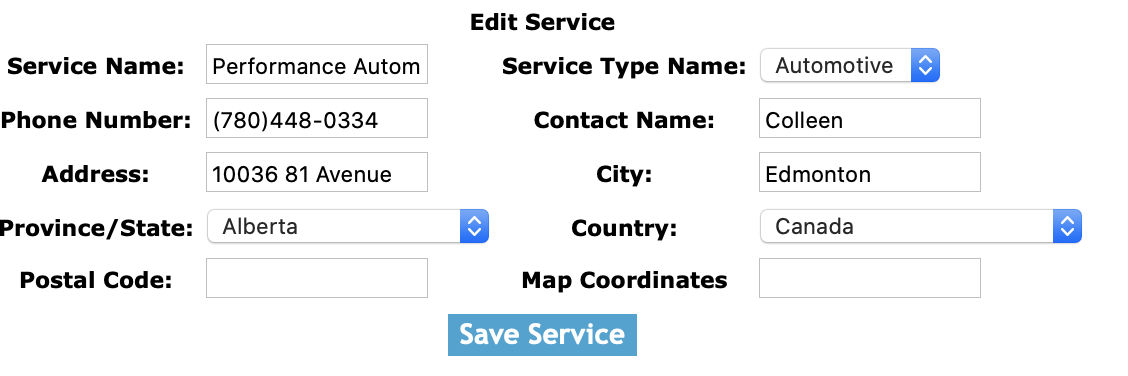
Once you have looked up service, you will be on the edit service screen. Here you can change the service name.
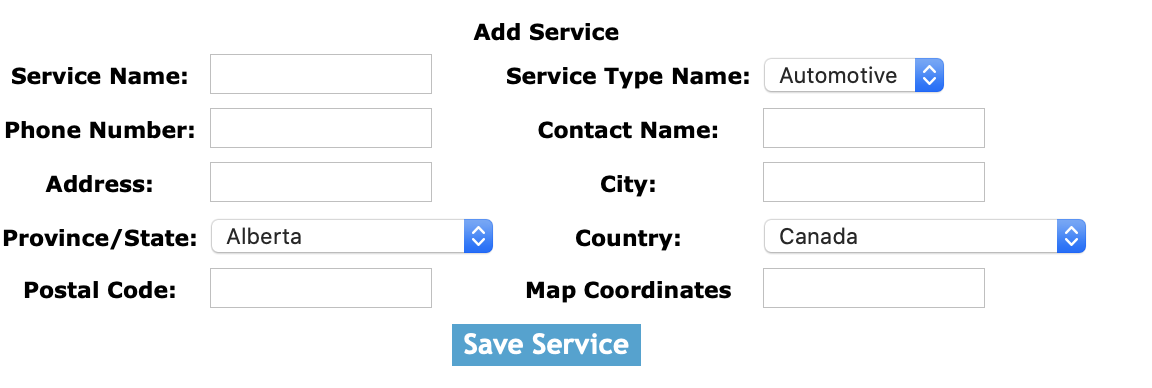
Fields
Service Name: Enter the service name. The character limit of this field is 100.
Service Type: By selecting a service type from the select box.
Phone Number: Enter the phone number of the service. The character limit of this field is 15.
Contact Name: Enter the contact name of the service. The character limit of this field is 50.
Address: Enter the address of the service. The character limit of this field is 45.
City: Enter the city of the service. The character limit of this field is 25.
Province/State: By selecting a province / state from the select box.
Country: By selecting a country from the select box.
Postal Code: Enter the postal code of the service. The character limit of this field is 25.
Map Coordinates: Enter the map coordinates of the service. The character limit of this field is 150.
Click the 'Save Service' button to edit the service.
|