|
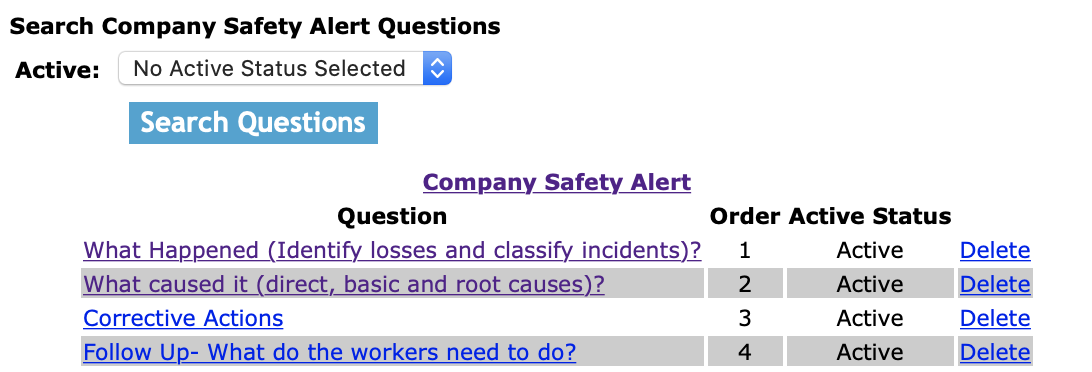
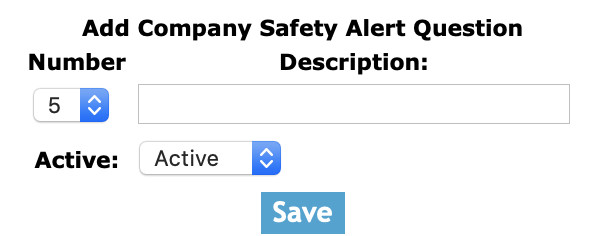
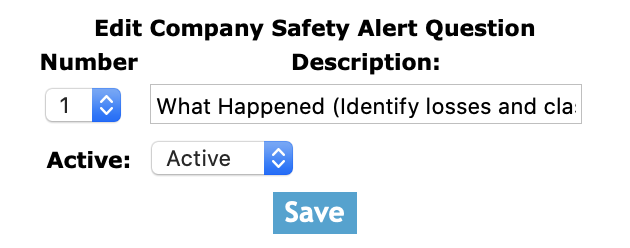
The company safety alert section allows companies to manage the questions, that will appear on safety alerts when created by your company. Users can create the basis of what will be used by field staff for future safety alerts
by creating the company safety alerts.
Safety Alerts are documents created by employees to bring safety issues to a companies employees and others. Safety Alerts allow employees to include relevant safety documents.
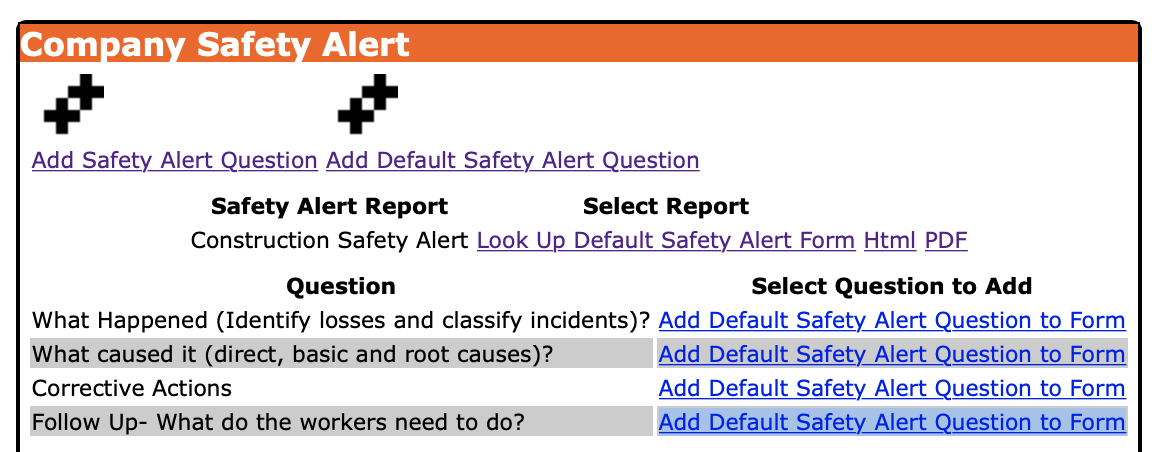
Company Safety Alert can be created from scratch or based on Default Safety Alert Paragraphs
from the SafetyNet library of safety alert paragraphs.
IMPORTANT NOTE:
Its important to note that a company safety alert are not completed in the staff. Safety Alerts are completed by the staff and track which employees participated in these safety alert.
The company safety alerts are the questions that are asked as part of your companies safety alert. One of SafetyNet core beliefs is that saving this information so that I can easily be used and more importantly reused by your staff will
over the course of time save your company time and money.
Management, Office Staff and Safety Officers can edit how often safety alerts should occur in the Company section when they edit the Company Safety settings. For more information about configuring your
company safety settings in this manual click here to view the company section.
The safety alert section is only available to users that have safety alert section turned on for their users group.
To change users access to safety alerts, management and office staff
can change access in Application Section to view the information about the Application Section Click Here
|