|
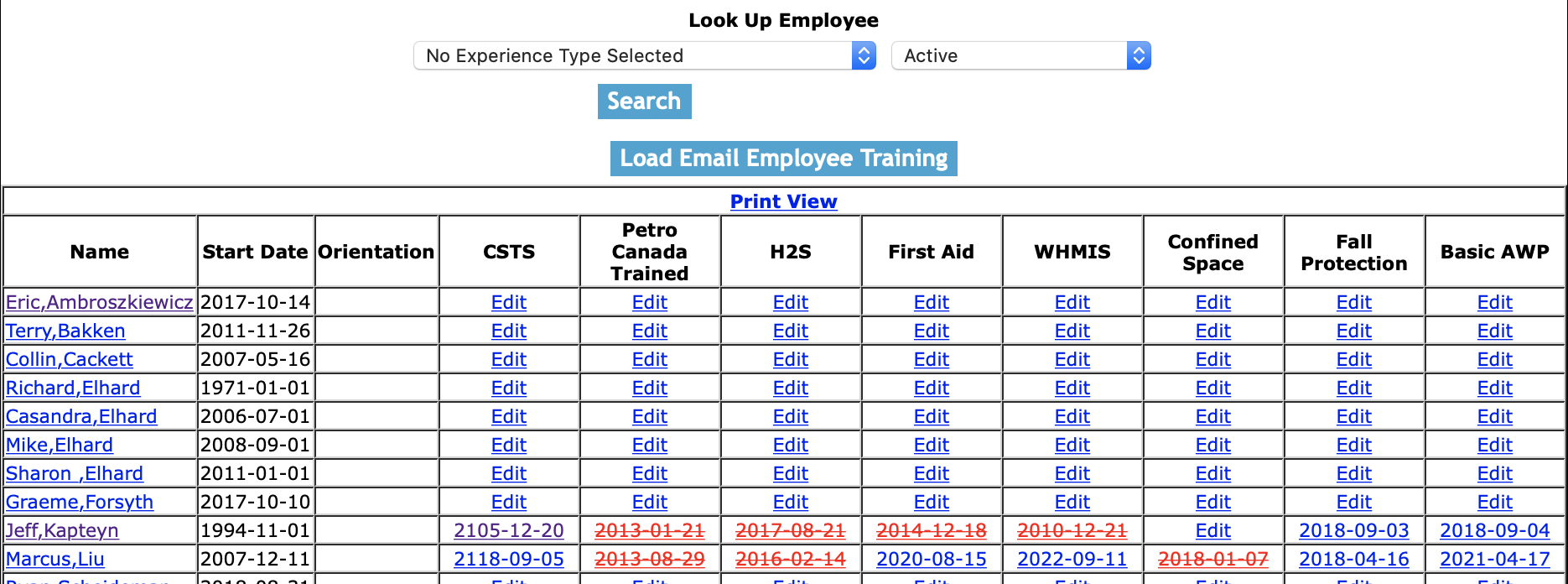
The Training section allows field staff to view training records of company staff, including viewing course information
and downloading certificates directly to the smart phone application.
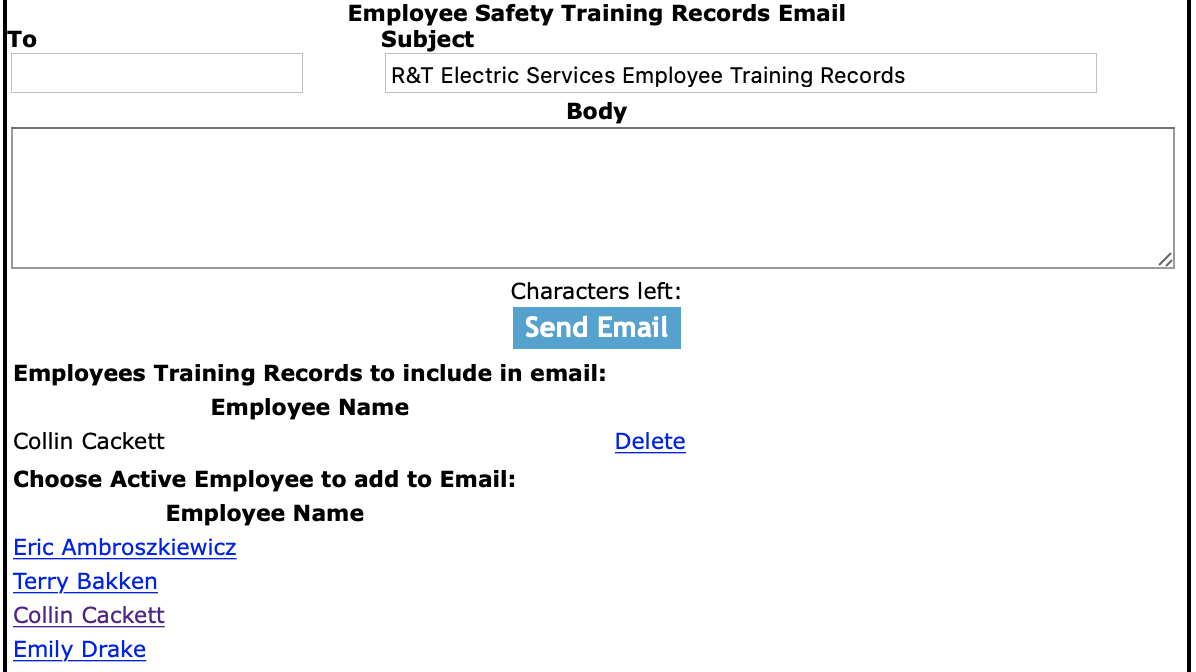
When Training courses are about to expire SafetyNet will the companies representative in charge of training is about to expire and the also the employee themselves.
Companies configure which training courses they will track training records for. Depending on what type of work a company does their list of safety
training courses will vary from other companies.
Configuring Training Expiry Email Alert
The company representative that receives a email from SafetyNet, when a training course is about to expire has expired is a function
of who is set up to receive the Employee Training. The person whom should receive this email, should
probably be involved in safety or crew management. To configure Safety Net for whom receives
receives this email alert in the Company Email Alert section.
Management, Office Staff and Safety Officers can edit who should receive the Employee Training email alert in the company email alert section. For more information about configuring your
company email alerts in this web site manual click here to view the company email alert section.
Configuring Company Training Courses
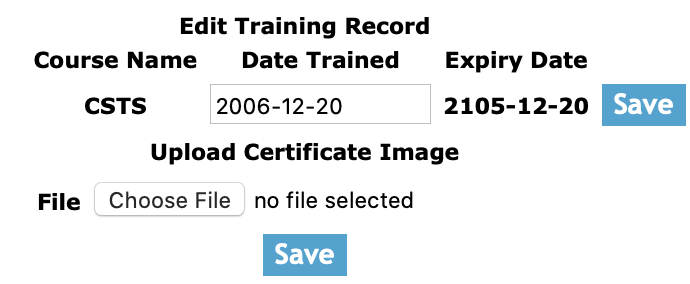
The company representative can configure which courses their field staff will have training records kept for.
Management, Office Staff and Safety Officers can configure which training courses field staff will have training records kept for. For more information about configuring your
company training records in this web site manual click here to view the training course section.
The training section is only available to users that have training section turned on for their users group.
To change users access to training, management and office staff
can change access in Application Section to view the information about the Application Section Click Here
Safety Net Smartphone application allows field staff to view employee training of active employees of your in the field to ensure employees have the proper training for the tasks they are asked to complete.
For information about viewing employee training through the Smartphone click here.
|

 App Manual
 App Manual